 Rostrio
How to Take the Perfect Passport Photo at Home

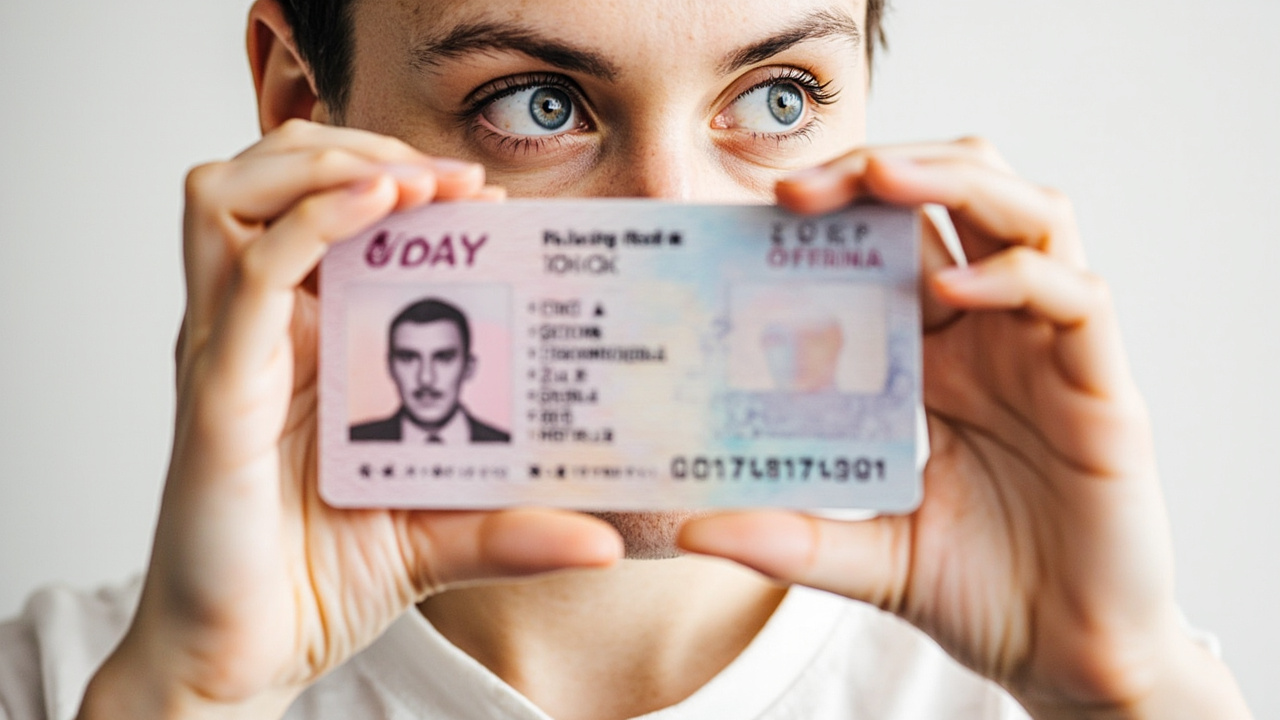
Why Take a Passport Photo at Home?
Taking your passport photo at home saves you both time and money. With the right setup and a few simple guidelines, you can capture a compliant photo without visiting a photographer or photo booth. Many governments now accept digital submissions, making home photography more practical than ever.
What You Need
- A smartphone or digital camera with at least 5 megapixels
- A plain white or light-colored wall as background
- Natural daylight or soft, even lighting without harsh shadows
- A tripod or stable surface to keep the camera steady
Step-by-Step Guide
Follow these steps to ensure your photo meets official requirements. The most common reasons for rejection are incorrect lighting, wrong background color, and improper framing — all of which are easy to avoid.
1. Set Up Your Background
Stand about 30 cm in front of a plain white wall. Make sure there are no patterns, shadows, or objects visible behind you. If your wall is not perfectly white, you can hang a white sheet or poster board as an alternative.
2. Get the Lighting Right
Position yourself facing a window for natural, even light. Avoid overhead lighting that creates shadows under your eyes and nose. The goal is soft, diffused light that illuminates your face evenly from the front.
3. Frame and Capture
Hold the camera at eye level and center your face in the frame. Keep a neutral expression with your mouth closed. Both ears should be visible, and your eyes should look directly at the camera.
"The most common mistake people make is using flash, which creates harsh shadows and red eyes. Natural daylight from a window always produces the best results."
Common Mistakes to Avoid
- Using flash or uneven lighting that creates shadows on your face
- Standing too close or too far from the camera, resulting in incorrect proportions
- Wearing glasses with reflective lenses or thick frames that obscure your eyes
- Smiling, tilting your head, or looking away from the camera
- Having visible background objects or non-white backgrounds
Final Tips
Take multiple photos and choose the best one. Use our online tool to automatically check whether your photo meets the requirements for your specific document type. This saves you the hassle of resubmitting and waiting for approval.
Related Articles
Taking a Passport Photo of Your Baby: A Complete Guide
Getting a passport photo of a baby or toddler can be challenging. We share practical advice to make the process smooth and stress-free for both parent and child.
7 Common Passport Photo Mistakes and How to Avoid Them
Rejected passport photos cost time and money. Learn about the most frequent mistakes people make and ensure your photo is accepted on the first try.
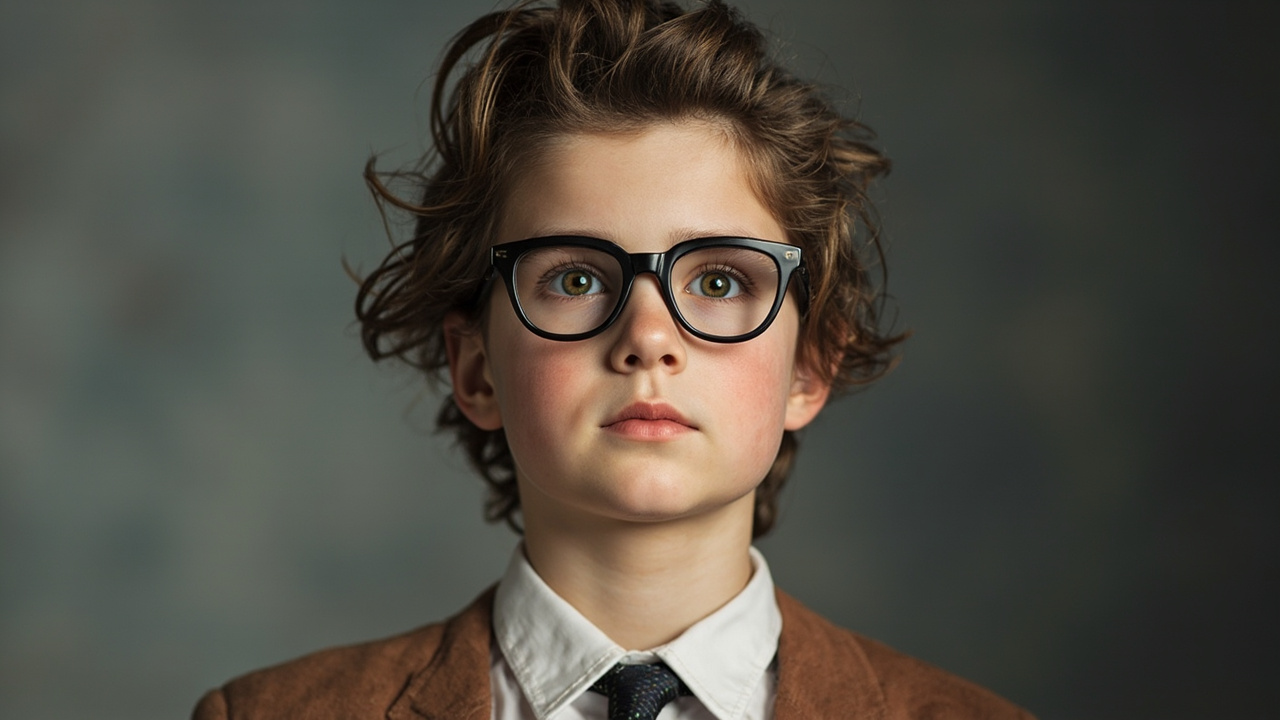
Can You Wear Glasses in a Passport Photo?
Rules about glasses in passport photos have changed in recent years. Find out the current regulations for your country and when exceptions may apply.
Frequently Asked Questions
Everything you need to know about Rostrio
Still have questions?
Our support team is here to help you.
1 Comment
Share your thoughts on this article. All comments are reviewed before publication.
Sunt ad proident ex laborum ullamco aute duis ea exercitation duis sit. Enim cillum sint aliquip duis sit sit quis anim amet consectetur ullamco Lorem officia. Duis nulla fugiat sunt ea sunt sunt fugiat dolor nostrud. Culpa ullamco elit id ipsum ut proident. Proident velit laborum cupidatat esse aliquip proident elit labore.