 Rostrio
Can You Wear Glasses in a Passport Photo?


The Changing Rules on Glasses
In recent years, many countries have updated their passport photo regulations to prohibit glasses. This change was driven by the widespread adoption of facial recognition technology, which performs better without glasses.
Countries That Prohibit Glasses
- United States — banned since 2016
- United Kingdom — prohibited in all new applications
- Australia — glasses not permitted
- Most EU countries — following the ICAO recommendation
Exceptions
Some countries still allow glasses in passport photos under specific conditions. Medical necessity is the most common exception, but you typically need a signed letter from your doctor.
If Glasses Are Allowed
In countries where glasses are still permitted, the following rules typically apply:
- No tinted or colored lenses — lenses must be completely clear
- No reflections — the camera flash must not create glare on the lenses
- Frames must not obscure the eyes — thin frames are recommended
- No sunglasses or oversized fashion frames
"When in doubt, take your photo without glasses. It is universally accepted and avoids any potential issues with reflections or frame size."
Related Articles
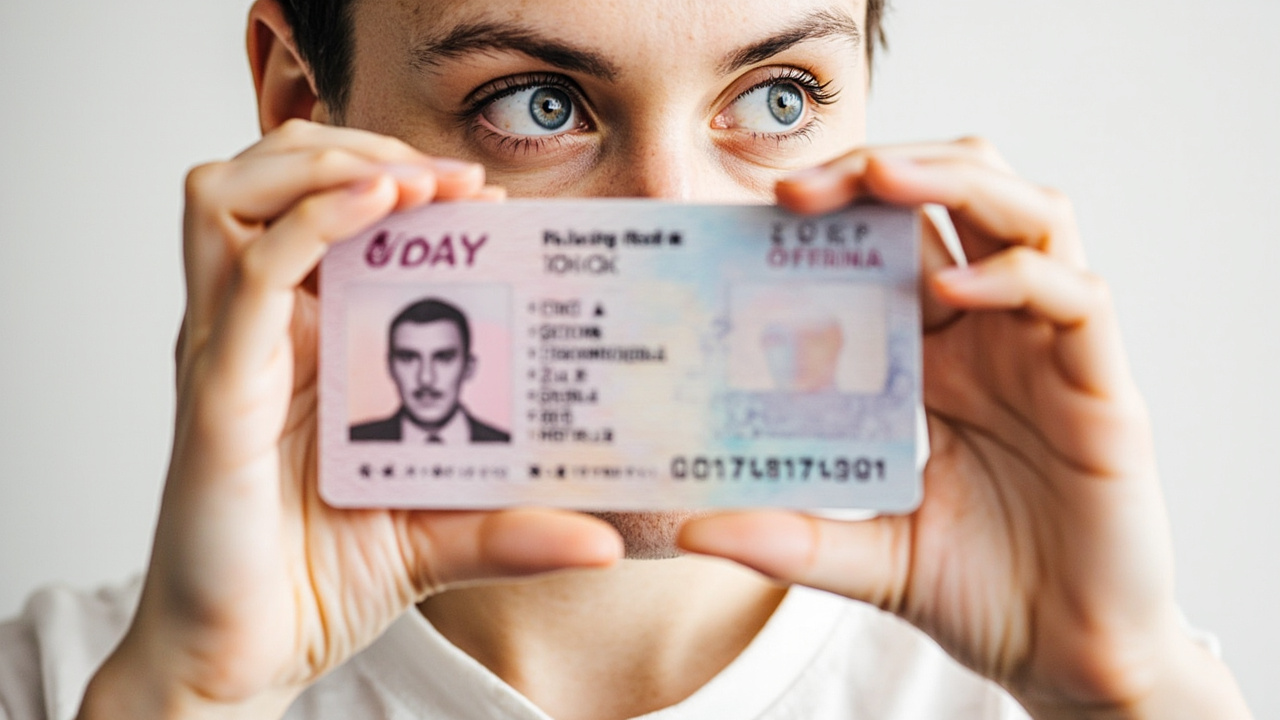
How to Take the Perfect Passport Photo at Home
Learn the essential tips and tricks for capturing a compliant passport photo from the comfort of your own home. From lighting to background, we cover everything you need to know.
Taking a Passport Photo of Your Baby: A Complete Guide
Getting a passport photo of a baby or toddler can be challenging. We share practical advice to make the process smooth and stress-free for both parent and child.
7 Common Passport Photo Mistakes and How to Avoid Them
Rejected passport photos cost time and money. Learn about the most frequent mistakes people make and ensure your photo is accepted on the first try.
Frequently Asked Questions
Everything you need to know about Rostrio
Still have questions?
Our support team is here to help you.
Leave a comment
Share your thoughts on this article. All comments are reviewed before publication.